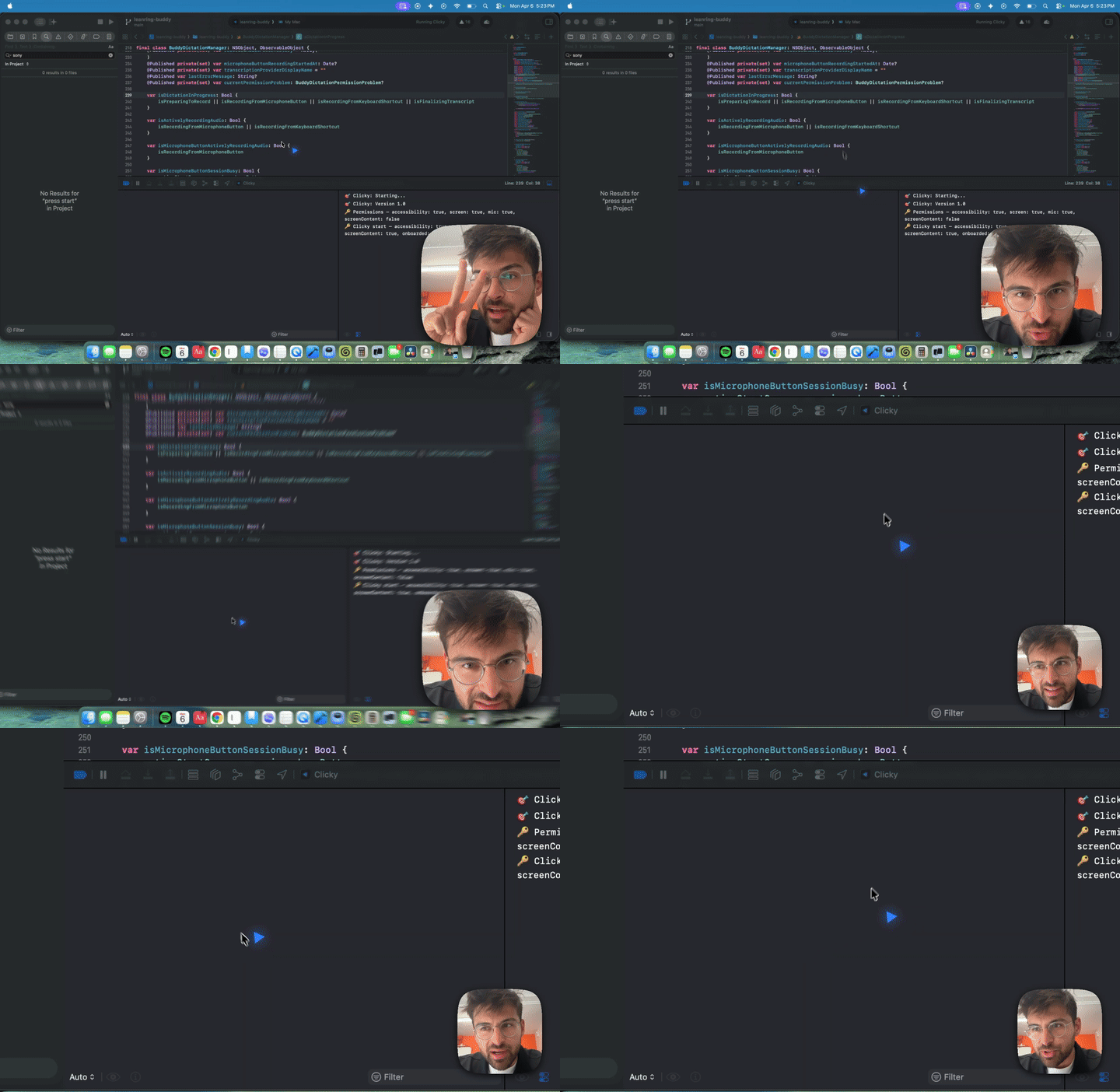
Meridian sits in your menu bar. Hold a shortcut, ask about what's on your screen, and a companion cursor flies to the exact button or setting you need.
"Where's the export button?" or "How do I change the font size here?" Real-time transcription while you talk.
Every connected monitor gets captured. Your question and your screen go to the AI together, so it sees exactly what you see.
You hear a voice response. A companion cursor arcs across your screen and lands on the exact element. The button, the toggle, the menu item.
Circle something, draw an arrow. Your annotations show up in the screenshot.
Captures all displays. The cursor can point at anything on any screen.
Lives entirely in the menu bar. The cursor fades in when active, disappears after.
Detects when you might be stuck and offers help. Dismiss or engage.
Free while we're in beta. After that, simple per-seat pricing.
Record a walkthrough once. Meridian replays it for every new hire, comparing the recorded steps against their live screen. App detection triggers help automatically when someone opens a configured tool for the first time.
hello@meridian.ai